by
edition 5
steady on
October 1, 2026
gm.
y'all have been putting riffle through its paces. we've read the reports, taken notes, and gone neck deep into the pixels and code to clean things up. we also made some quality-of-life improvements while we were at it.
highlights
everything in its right place
we spent a lot of time in the weeds, making every click, drag, and zoom feel like butter. memory leaks, platform bugs, connection issues, and a whole host of annoyances have been exterminated. rip.
the sampler is (more) customizable
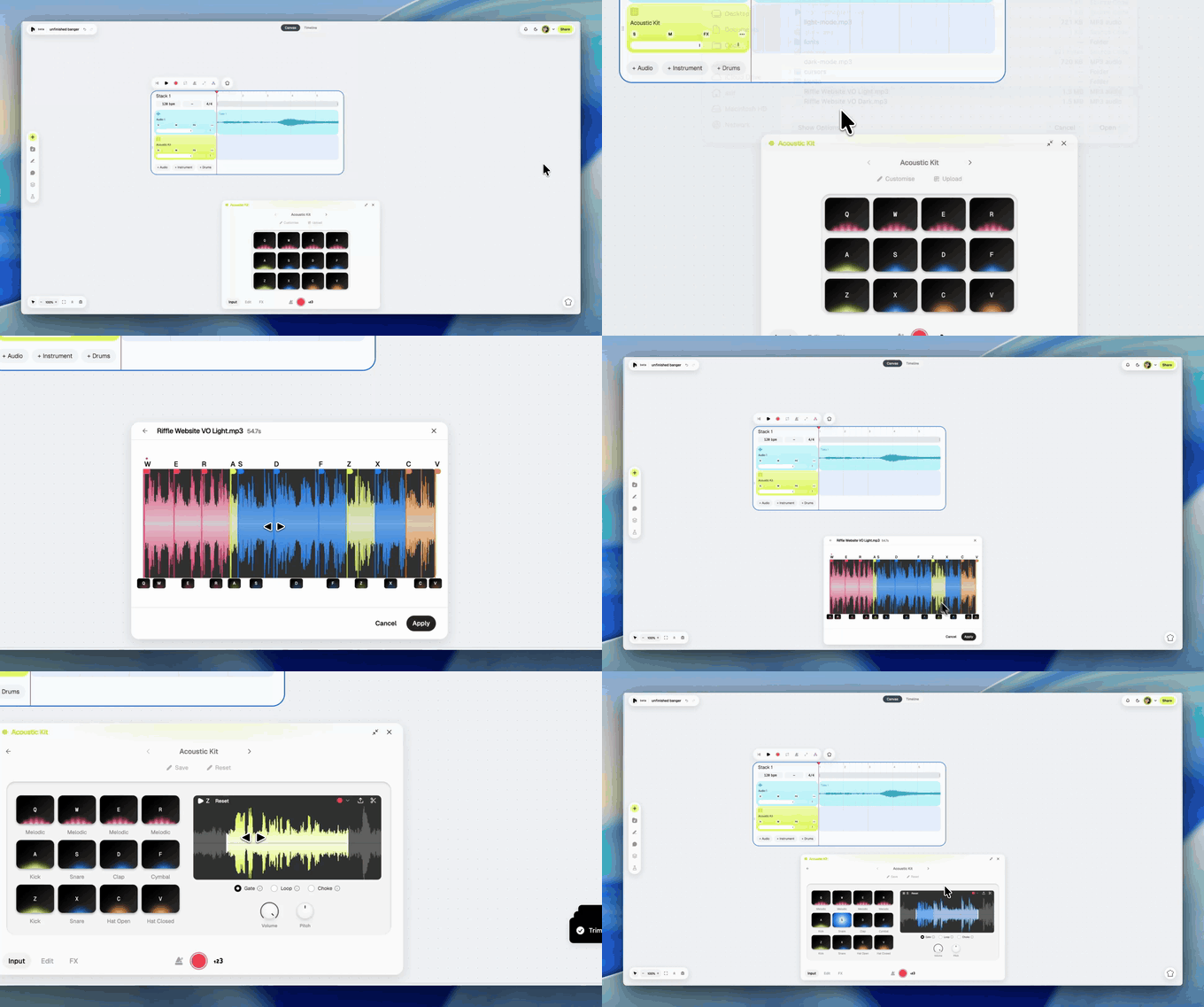
you wanted more ways to mess with your samples. here you go: click on 'upload' in the drum editor to upload any sample, and riffle can chop it up into 12 playable pads. you can tweak the chops, preview the sounds, and drop the whole set into your drum kit.
monitor your sound while you record
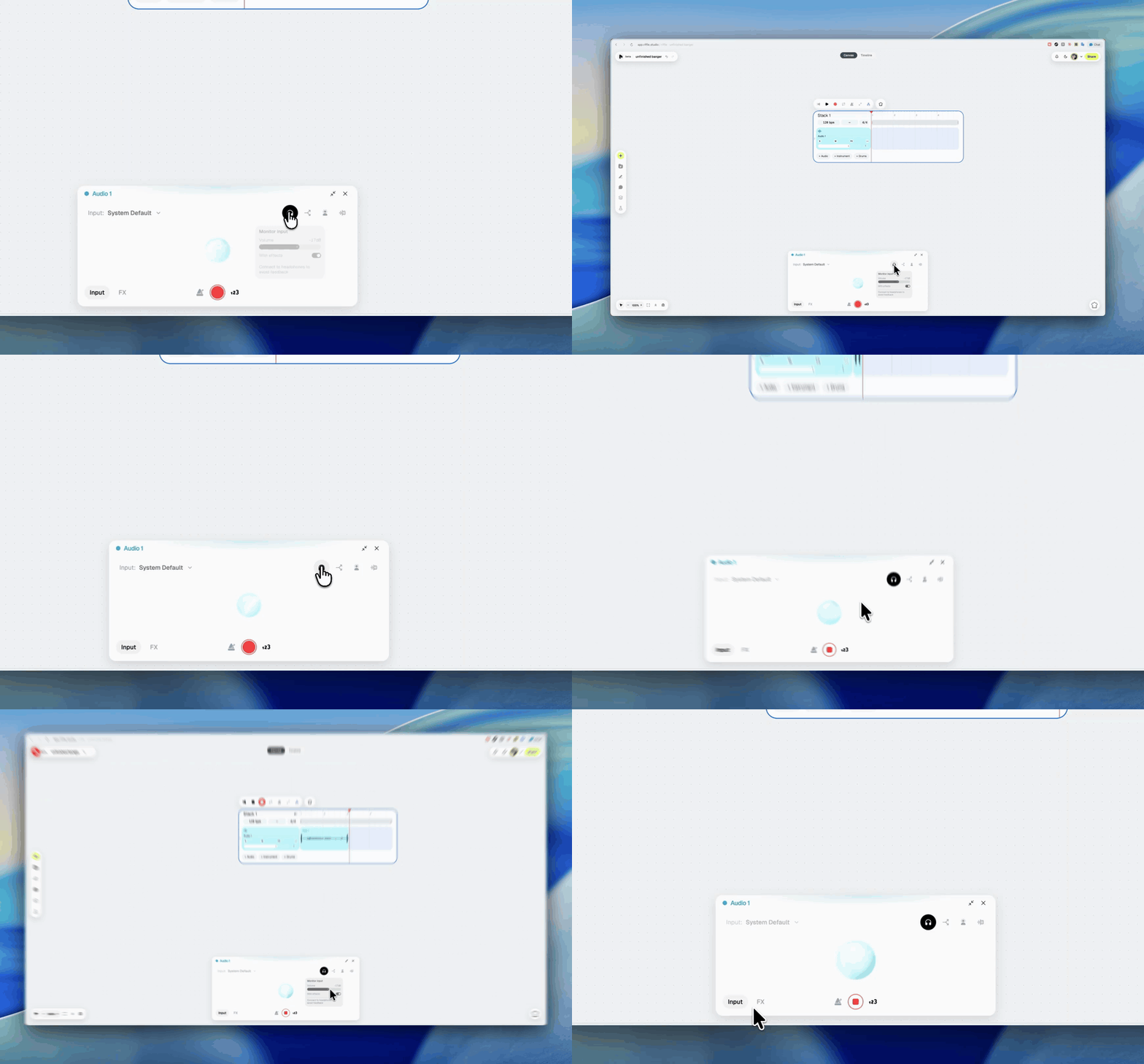
you can now monitor your mic input before and while recording. click on the headphones icon in the track editor to hear your recording, with or without effects. you can also adjust the monitoring volume.
we'll warn you if you haven't connected your headphones and you start to hear feedback.
some cherries on top
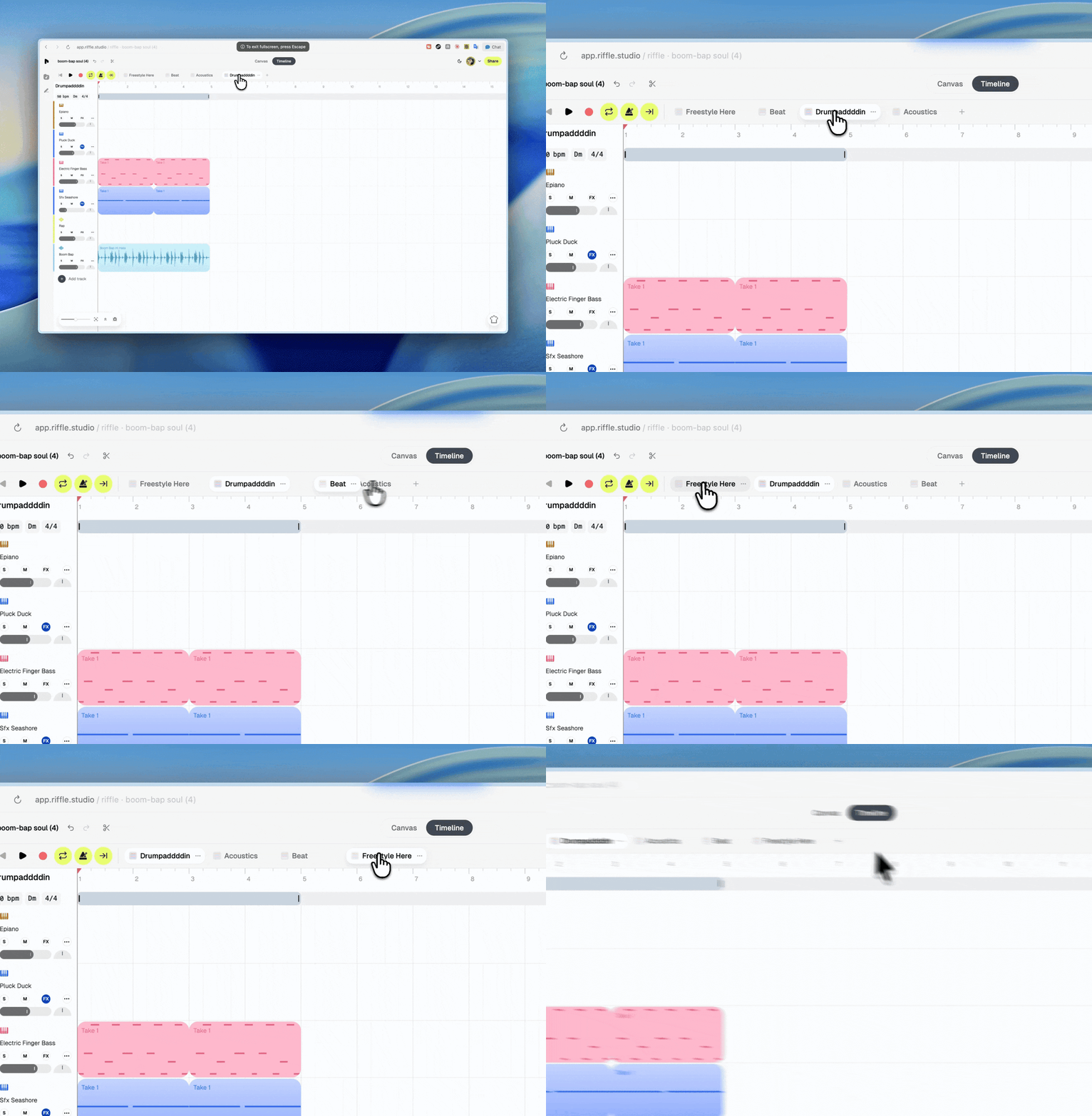
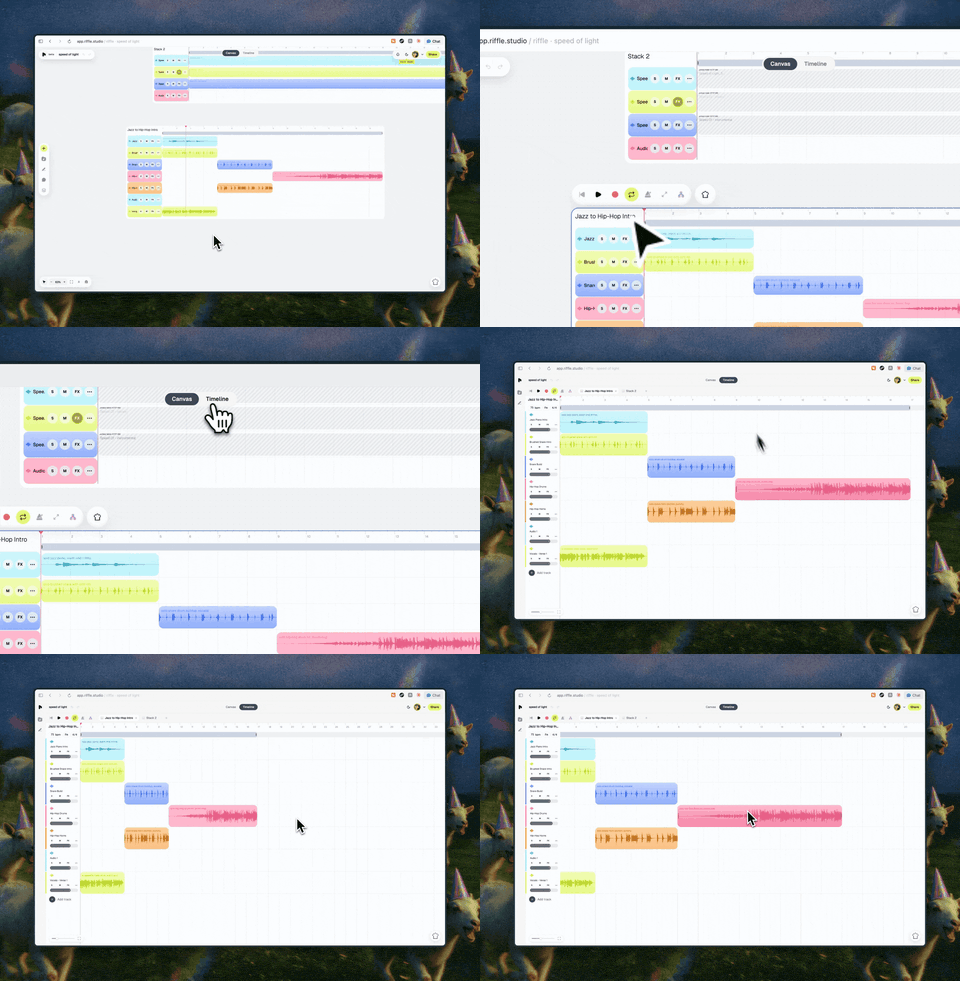
timeline tabs can now be reordered, stacks adapt as you zoom, recording can be controlled from anywhere with shift + r, and the timeline can follow playback automatically, or stay put while the music keeps playing.
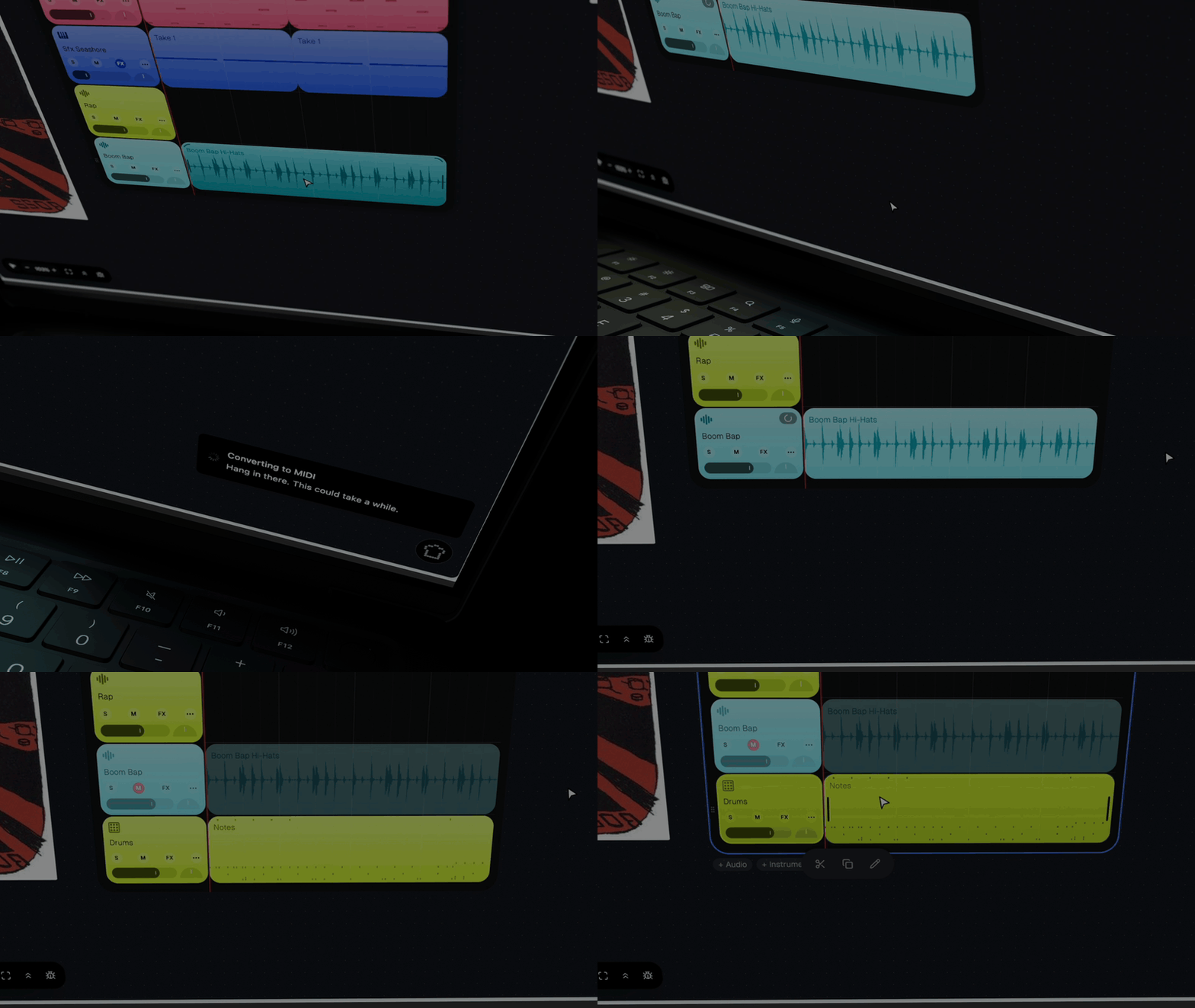
your most-used track tools (split stems, isolate vocals, and convert to MIDI) are also closer to the record controls now.
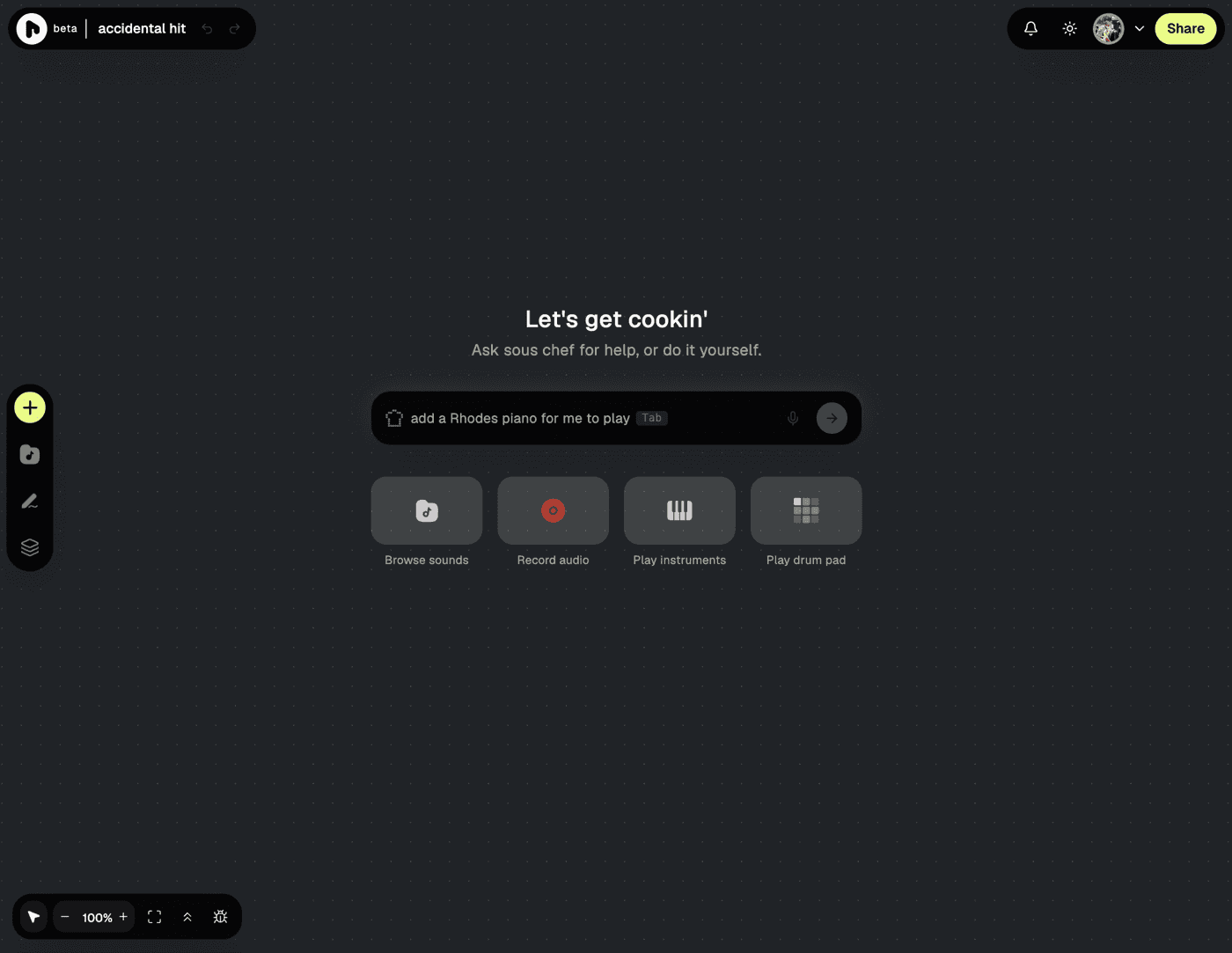
and finally, you can now request features directly from sous chef when it hits a wall.
bug fixes
- fit-to-screen got a new icon 'cause the old one looked like a full screen icon (spotted by dhruv)
- notes follow your drag and resize properly on MIDI editor (spotted by nirmal)
- new stacks no longer land on top of one another (requested by doug)
- long-stack zoom goes deeper, and is smoother while it's at it (requested by dwait)
your kitchen awaits. everything you wanted is on the counter, and everything you didn't is in the bin. go cook.
— the crew at riffle
by the way, we just opened the doors to our discord. come say hi.