by
edition 4
faster ways to cook
September 2, 2026
gm.
in today's edition of chef's notes: turn any audio into MIDI, search the sample library with sous chef, find your stack faster when you're chaosmaxxing, and a lot more.
let's dig in.
new features
turn any audio into MIDI
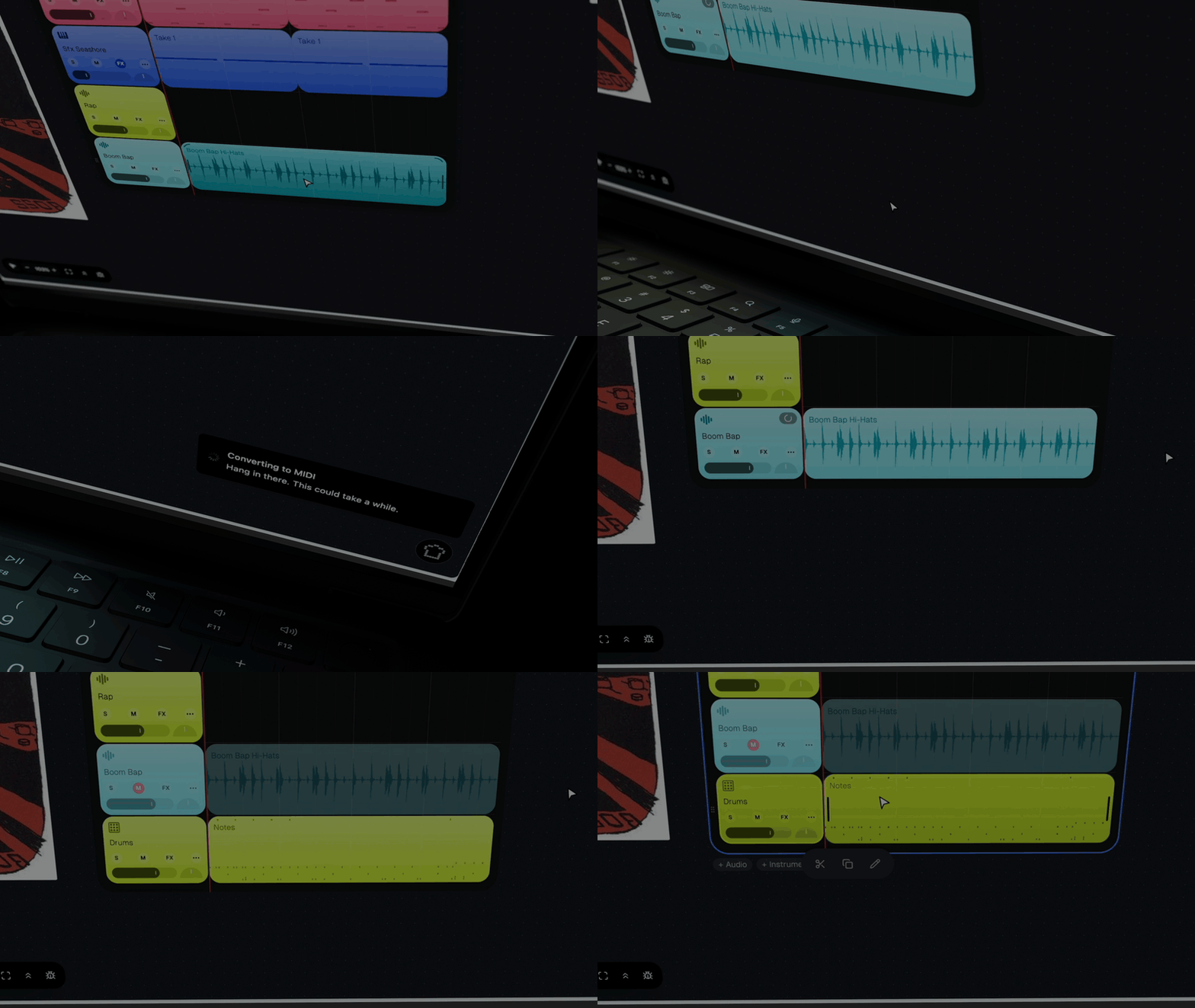
right-click any audio clip/track and hit extract MIDI. riffle listens and rebuilds it as a playable instrument track.
- hum a melody > turn it into editable MIDI
- drop in a voice memo > turn it into editable MIDI
sous chef can now search for samples
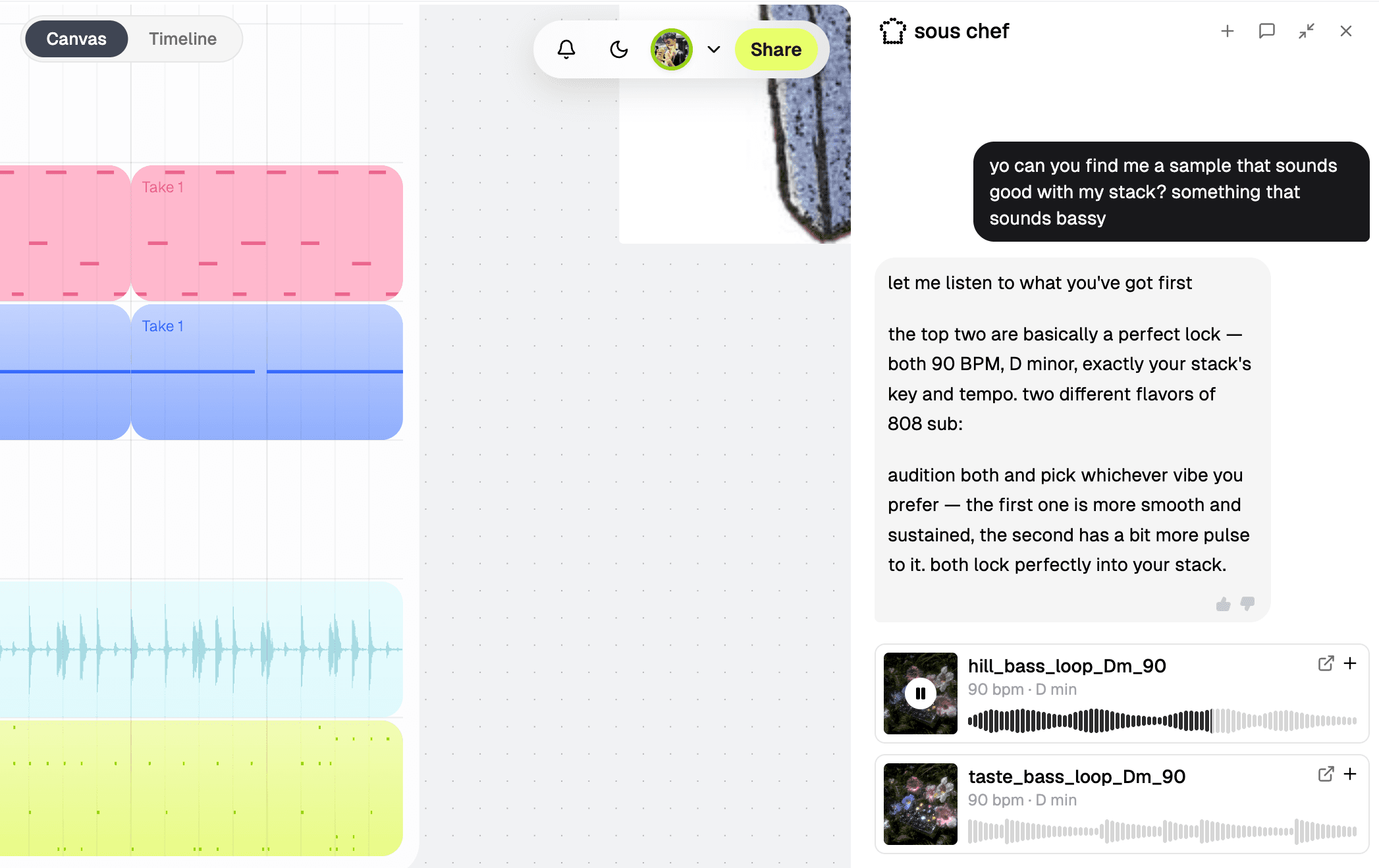
tell sous chef the kind of sound you want, and it'll dig the crates for you. it can go through riffle's whole sample library and your own packs. you can preview the sample in the chat before you drop it on your board.
- not sure what you want? ask sous chef to find a sample that'll go with your stack.
never lose a stack again
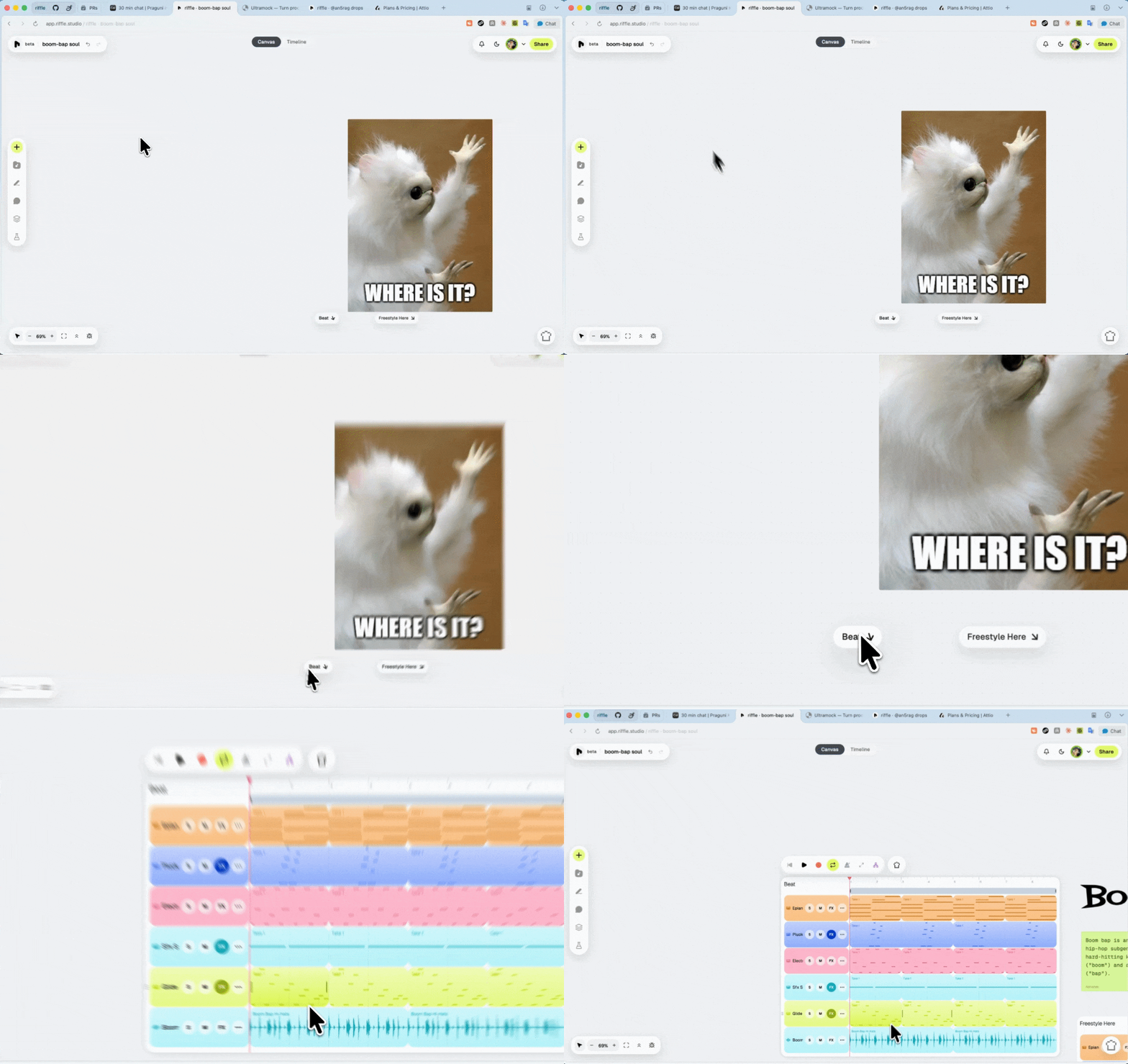
got a board with too many ideas? don't worry about getting lost anymore. when a stack drifts off-screen, an arrow will guide you back to it.
fades and pan, right on the track
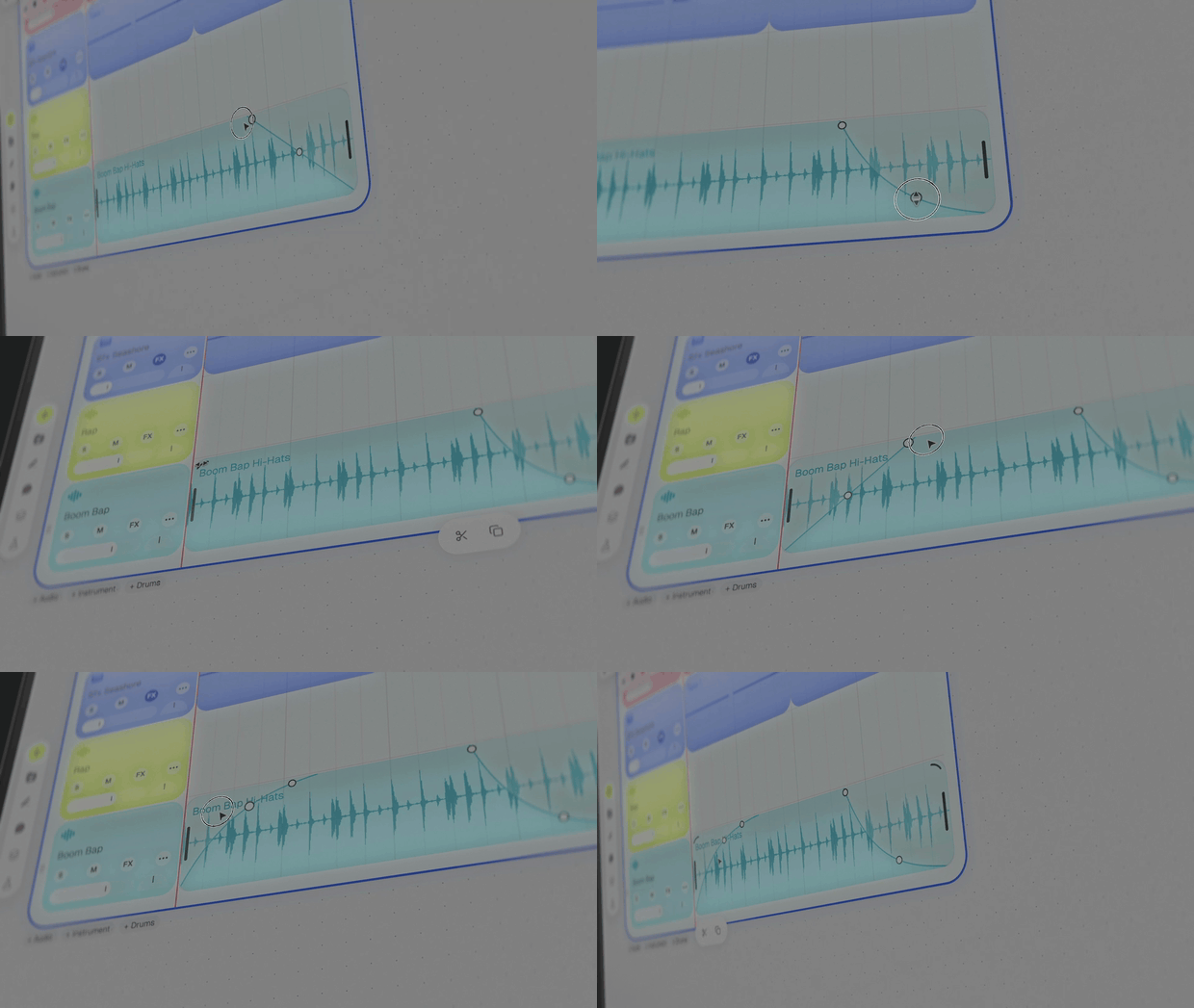
ask, and you shall receive: fades and pan are here. drag, bend, and abuse the handles at the edge of any audio clip to fade it in or out. you'll also find a pan dial next to the volume slider on every track. sous chef can set pan too, if you'd rather just ask.
invite anyone to your board
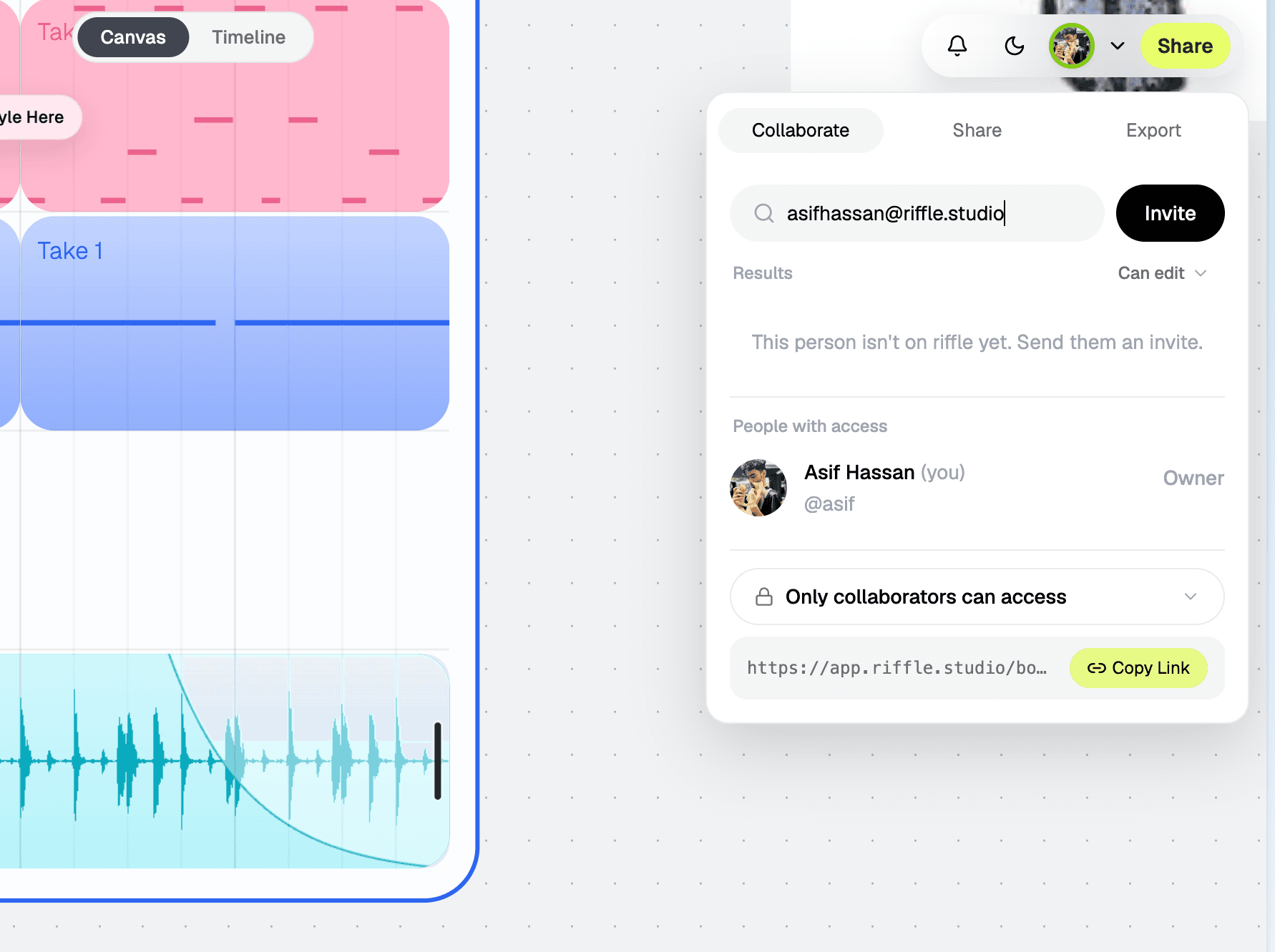
you can invite people by email now, even if they aren't on riffle yet. they'll have to join riffle to edit your board though, but that's between you and your friend.
enhancements
- copy and paste clips and tracks anywhere now, even onto another board. cmd/ctrl+d duplicates whatever's selected, and you can grab several tracks at once.
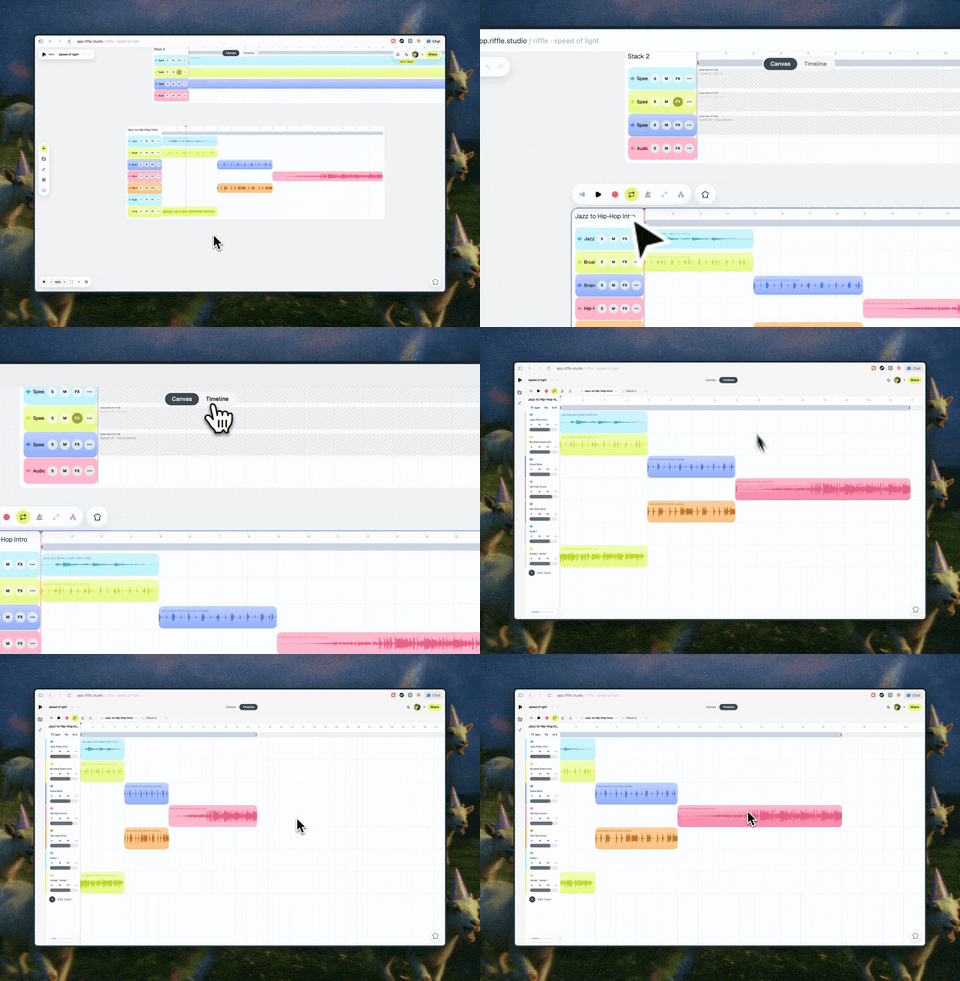
- in timeline mode, you'll see a little speaker icon next to any stack that's currently playing.
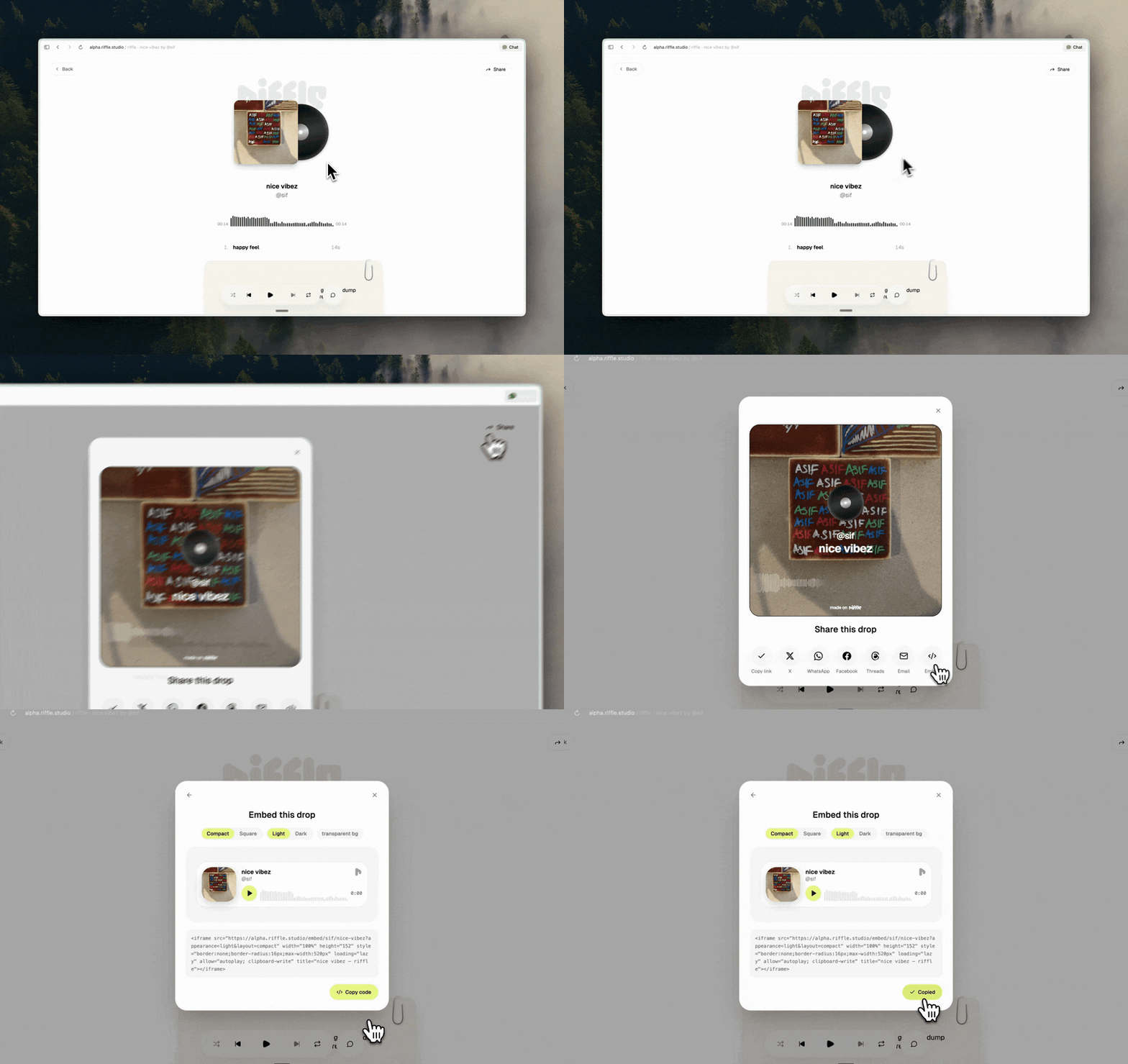
- the share and embed window got a new look.
that's plenty from us. now go make something.
— the crew at riffle