by
edition 1
introducing chef's notes
June 29, 2026
gm.
welcome to the first official edition of chef's notes where we talk about what's new, what's fixed, and what's cookin'.
let's get into it.
new features
sous chef now has ears
tap the mic, talk, and watch sous chef transcribe every word live. or skip the click: hold ⌥ Option (Alt on Windows), say your piece, and let it go. sous chef is all ears.
- live transcript panel that grows as you speak
- playback quiets down while you're talking so the mic hears you clearly
we added a quicker way to start
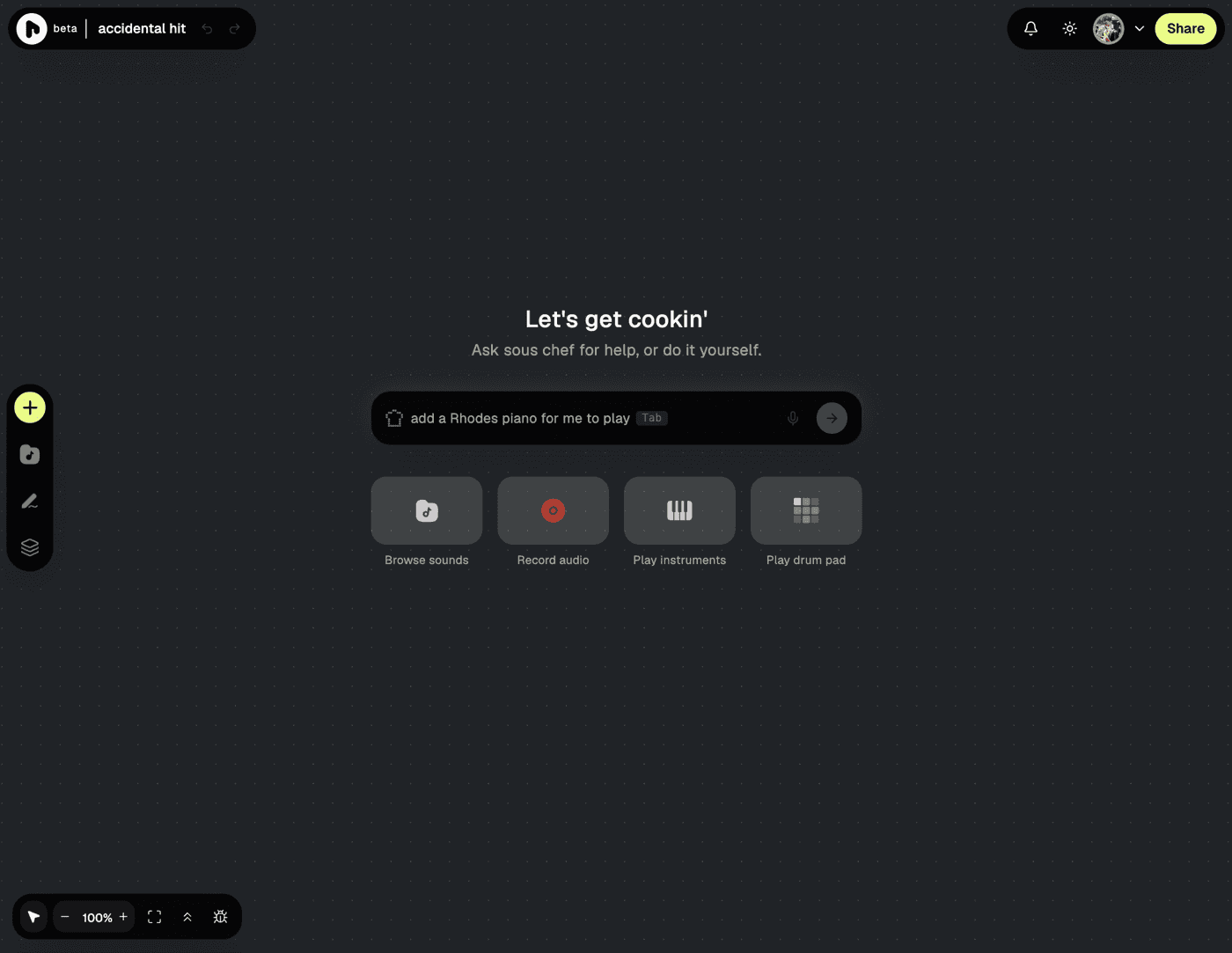
open a fresh board and tell sous chef what you want to make, by typing or talking, and it gets you started. if you'd rather dig in yourself, the cards below let you browse sounds, record something, play an instrument, or jump on the drum pad.
honestly, the team was divided on this one. we finally shipped it and figured we'd let you be the judge. settle the score.
sous chef can now engineer your sounds
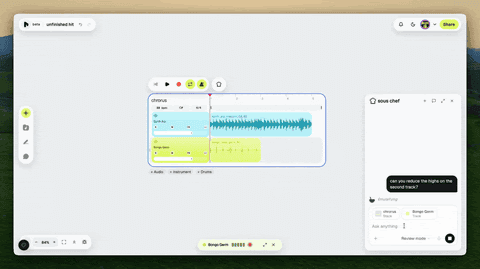
ask sous chef to analyze, suggest, or add effects to any track - reverb, delay, compression, EQ, distortion, or a full fx chain. just say what you want, and it'll be done.
- describe what you want, casual or precise, and sous chef handles it ('make my vocals pop', 'add reverb to drums', 'duck the high end of my guitar')
- or have sous chef read your current fx chain before it adds anything
the two modes of sous chef
sous chef now has two modes. in flow mode, it acts on your board right away with no approval needed. review mode is for when you want a second look: sous chef lets you tweak the prompt, and only applies it once you give it the okay.
- flow mode: prompt → done
- review mode: prompt → preview → approve
- switch modes anytime
- anything sous chef does is undoable with ⌘Z (Ctrl + Z on Windows)
drop an audio file, riffle does the math
now when you drop audio, we detect the tempo and key before the clip lands on your board.
- if we get either of them wrong, change it first - then drop the clip in
- drop multiple files and they queue up one at a time
enhancements
duplicate any track
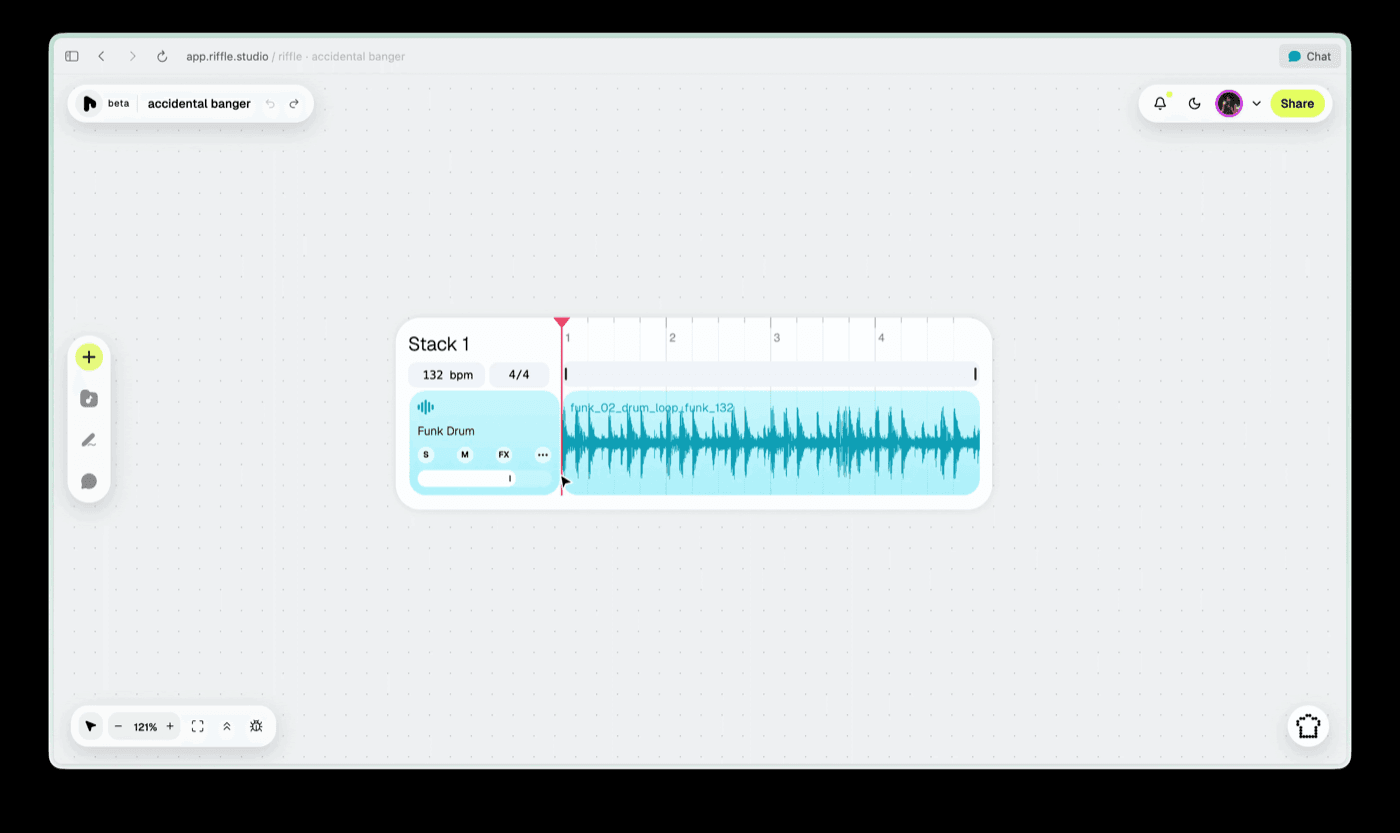
right-click any track and hit duplicate. you'll get a full copy of the track, including any added effects.
give sous chef constructive criticism

thumbs up or down on any response and leave a note if you'd like. every bit of feedback helps us make sous chef smarter.
fixes
- drops now load faster
- right-click menus on any track now look and work the same everywhere
- narrow clips are now clickable when zoomed out
- the canvas is now better at recovering stacks that didn't save right
- you can now drag a sample from sous chef straight onto your canvas
- sous chef's sample previews got a redesign and are now consistent with the rest of the product.
that's enough yapping from us. go put this stuff to work.
— the crew at riffle