by
edition 0
a lot has changed
June 15, 2026
hey musical being,
there have been major plot developments on the product.
allow us to catch you up to speed.
new features
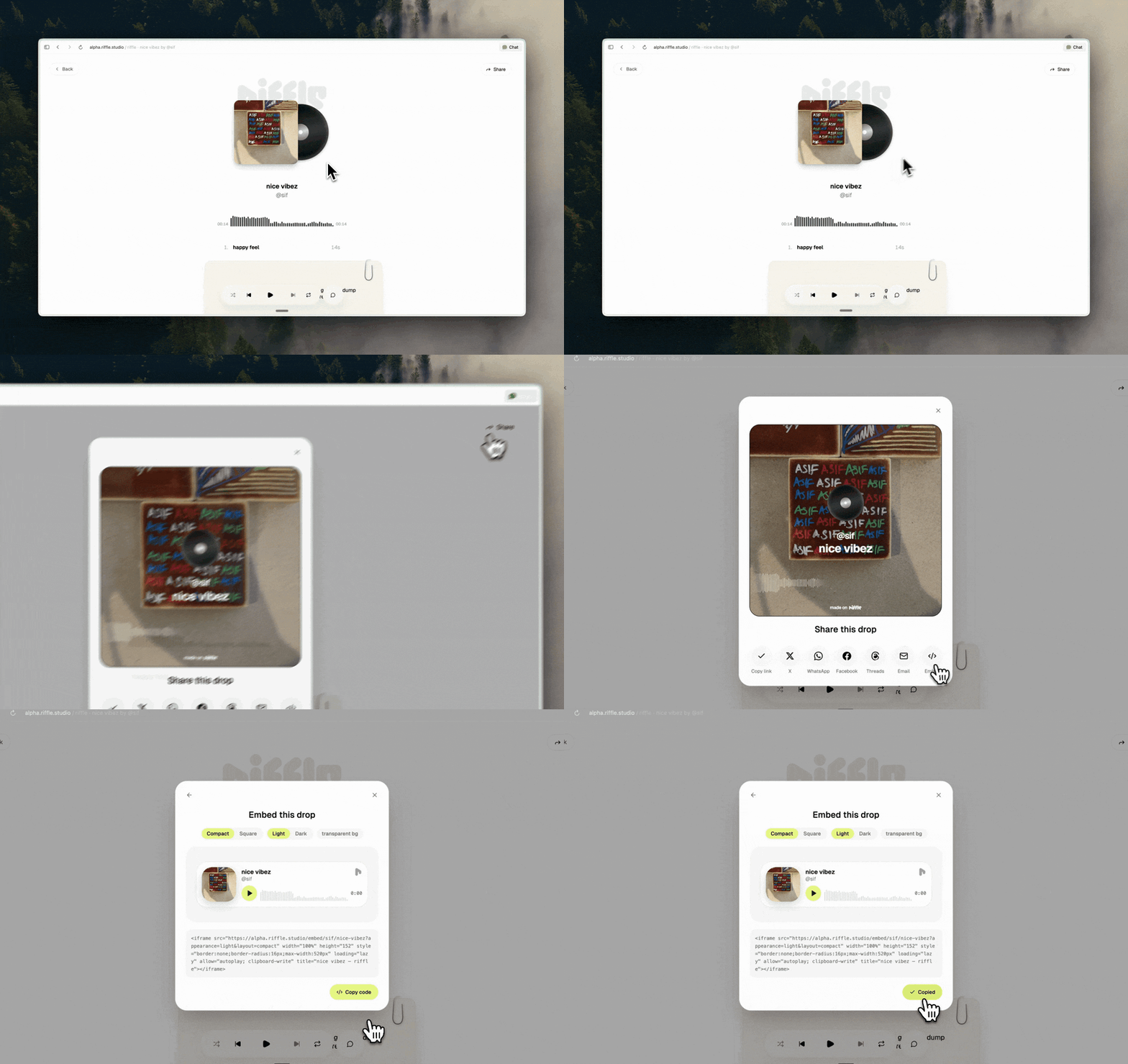
introducing drops
when you've got a stack that's ready to be shared, turn it into a drop. give it cover art, keep it private, post it publicly, or send it directly to whoever needs to hear it.
- anyone with the link can play your music instantly
- edit your published drop anytime - update cover art, tracks, ordering
- smoother player: floating mini-player, rotating cover, waveform scrubbing
sous chef got hands
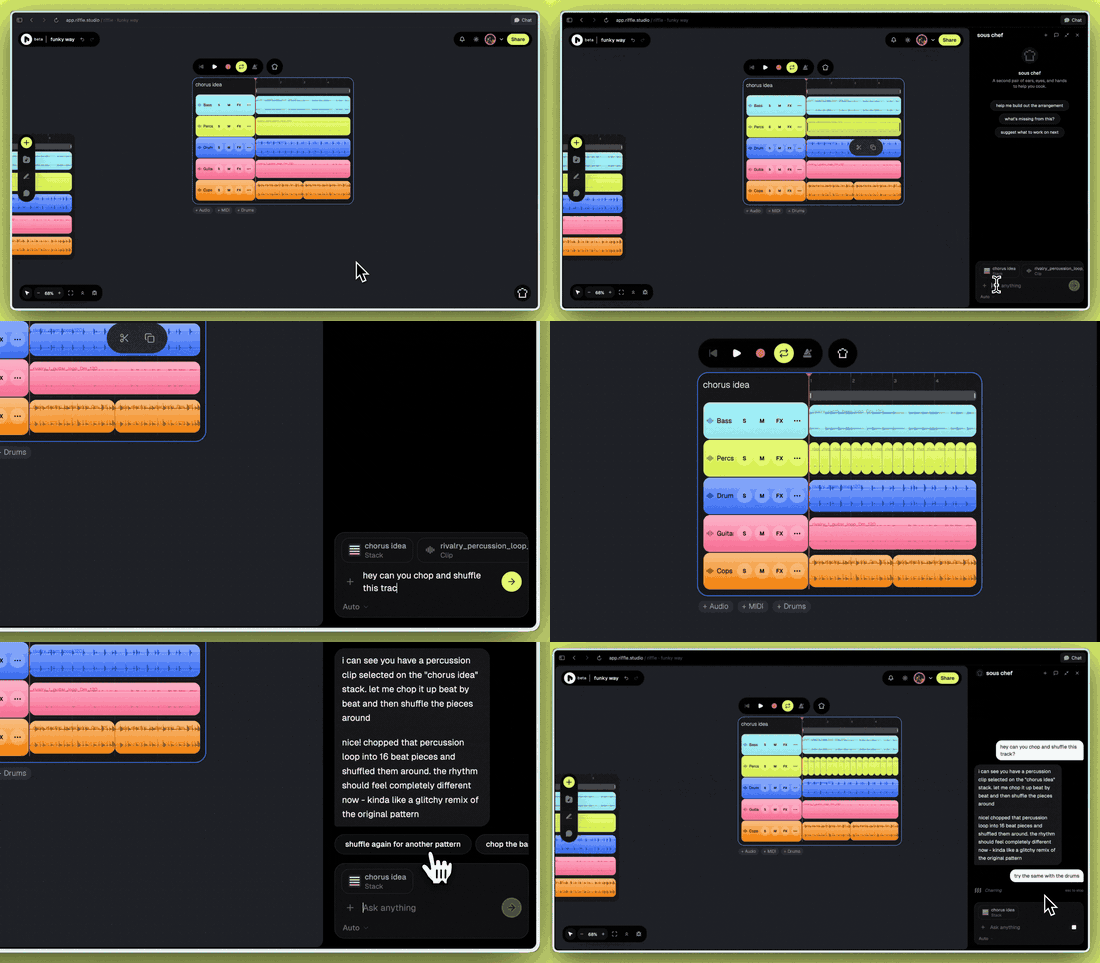
sous chef can now jump into your board and act. everything happens right on the board, and everything can be undone.
- build stacks, add tracks, rearrange clips, chop samples
- duplicate sections, change BPM or key, and more
- upload an image, point it at a clip, ask what genre something is, or suggest ideas to match the vibe
- watch it work in real time, and hit Esc if it gets too ambitious
merge your stacks
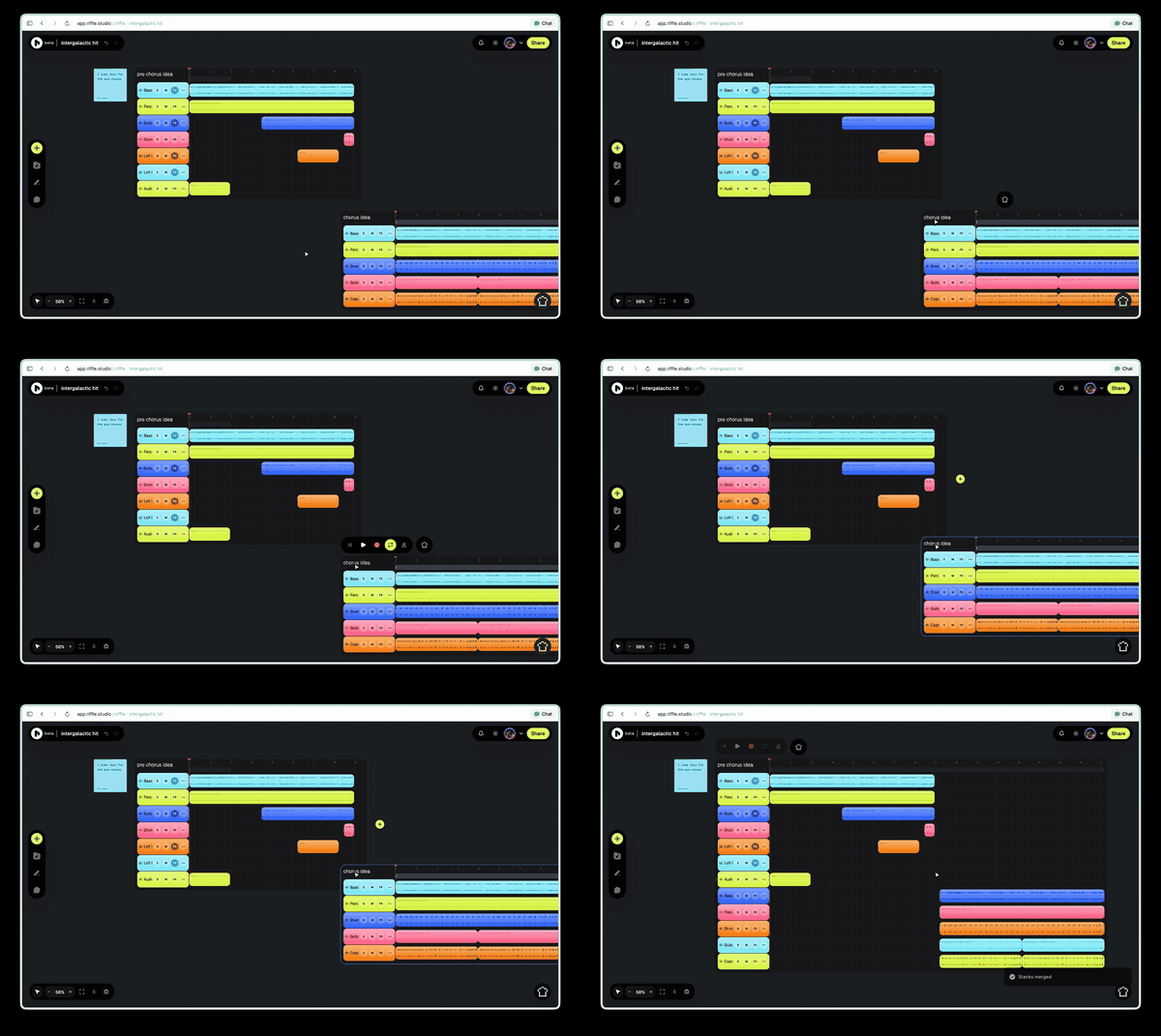
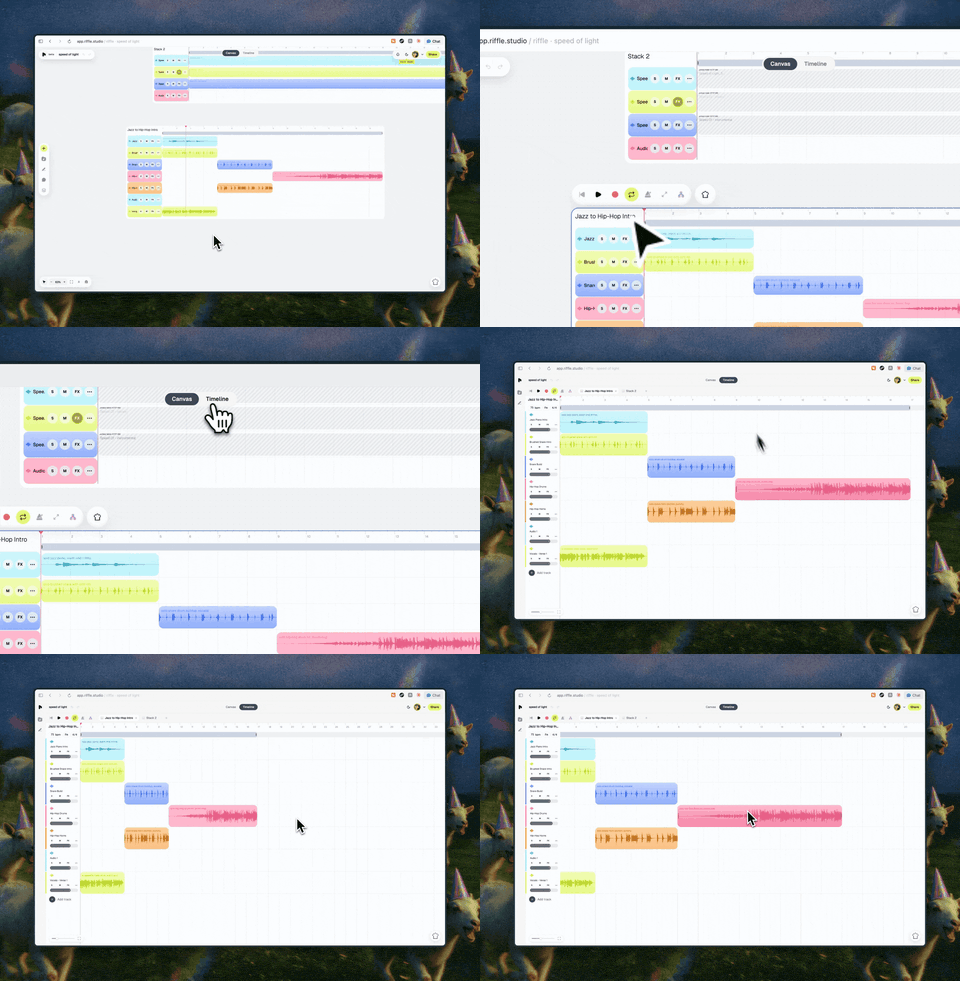
merge stacks vertically or horizontally by dropping one onto the edge of another. BPM and key are matched automatically so everything lands in time and in tune.
follow collaborators in real-time
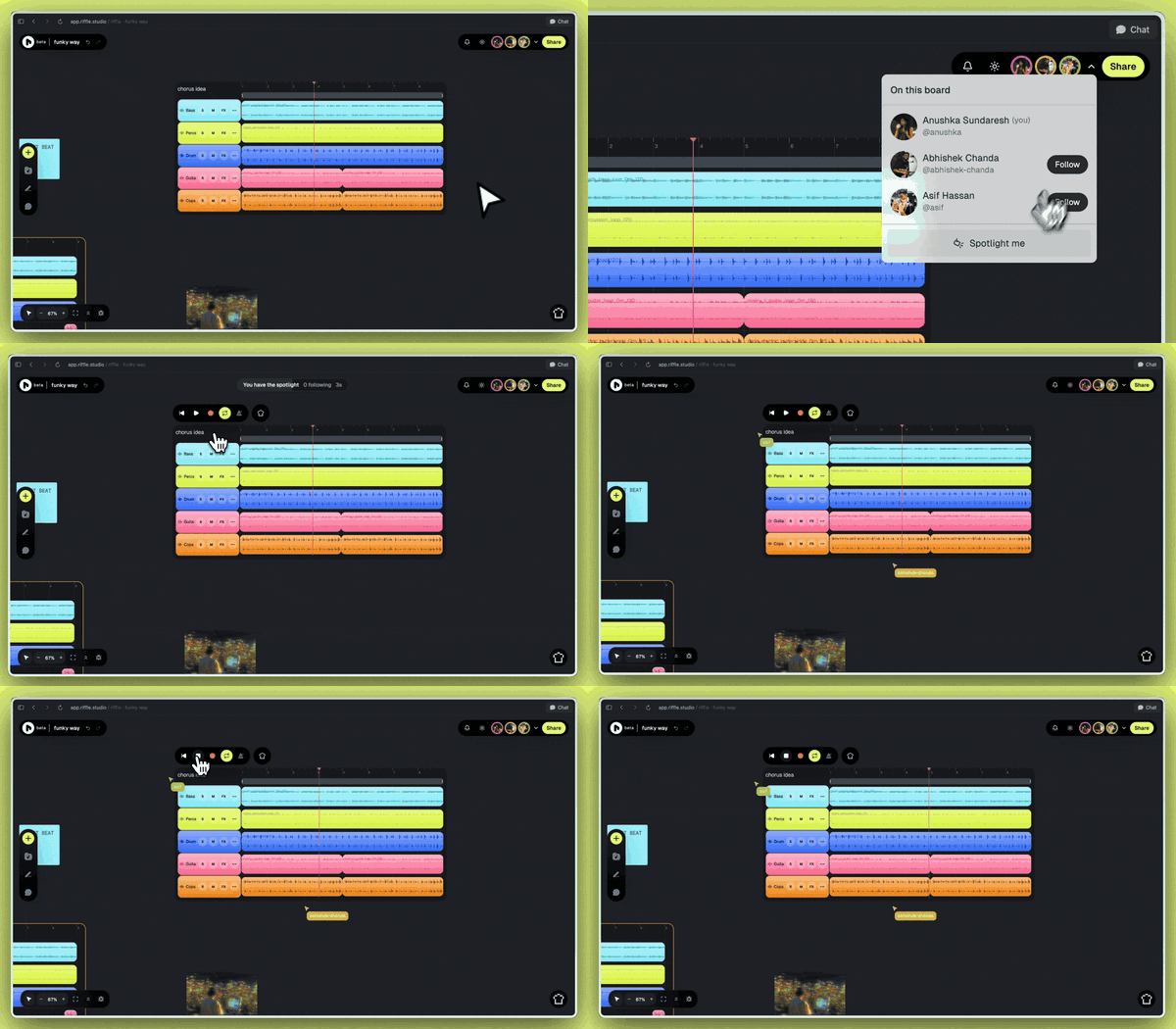
click on a collaborator's avatar to follow their cursor, view, and playback in real time. you'll also see exactly which clips they're working on, making it much easier to stay on the same page (literally).
enhancements
get your own artist handle
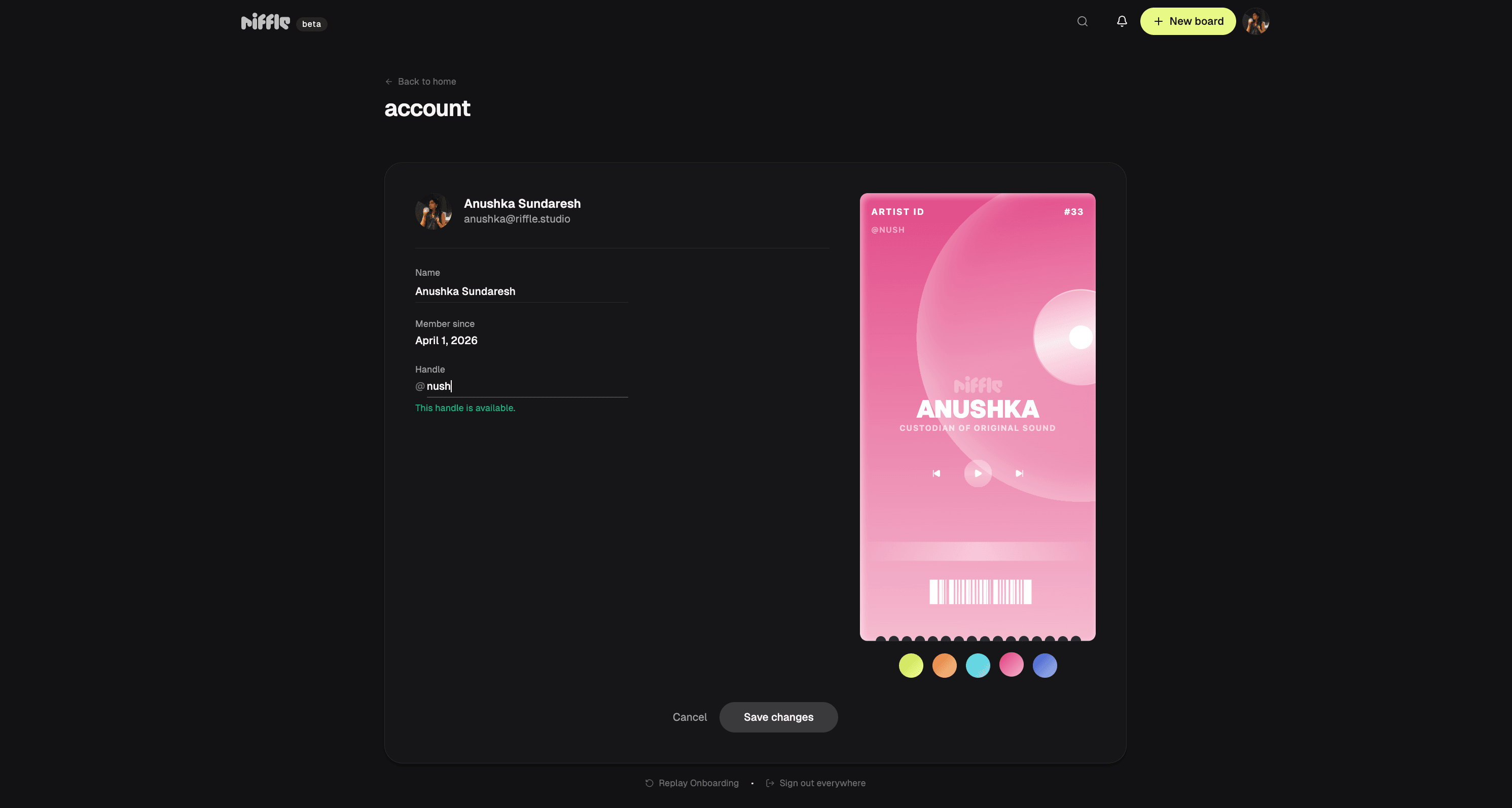
claim your very own artist @handle. use it to sign in, share boards, and get tagged in comments. we also added comment-only collaborators, so getting feedback no longer requires giving away the keys to your soundscape.
multi-clip selection
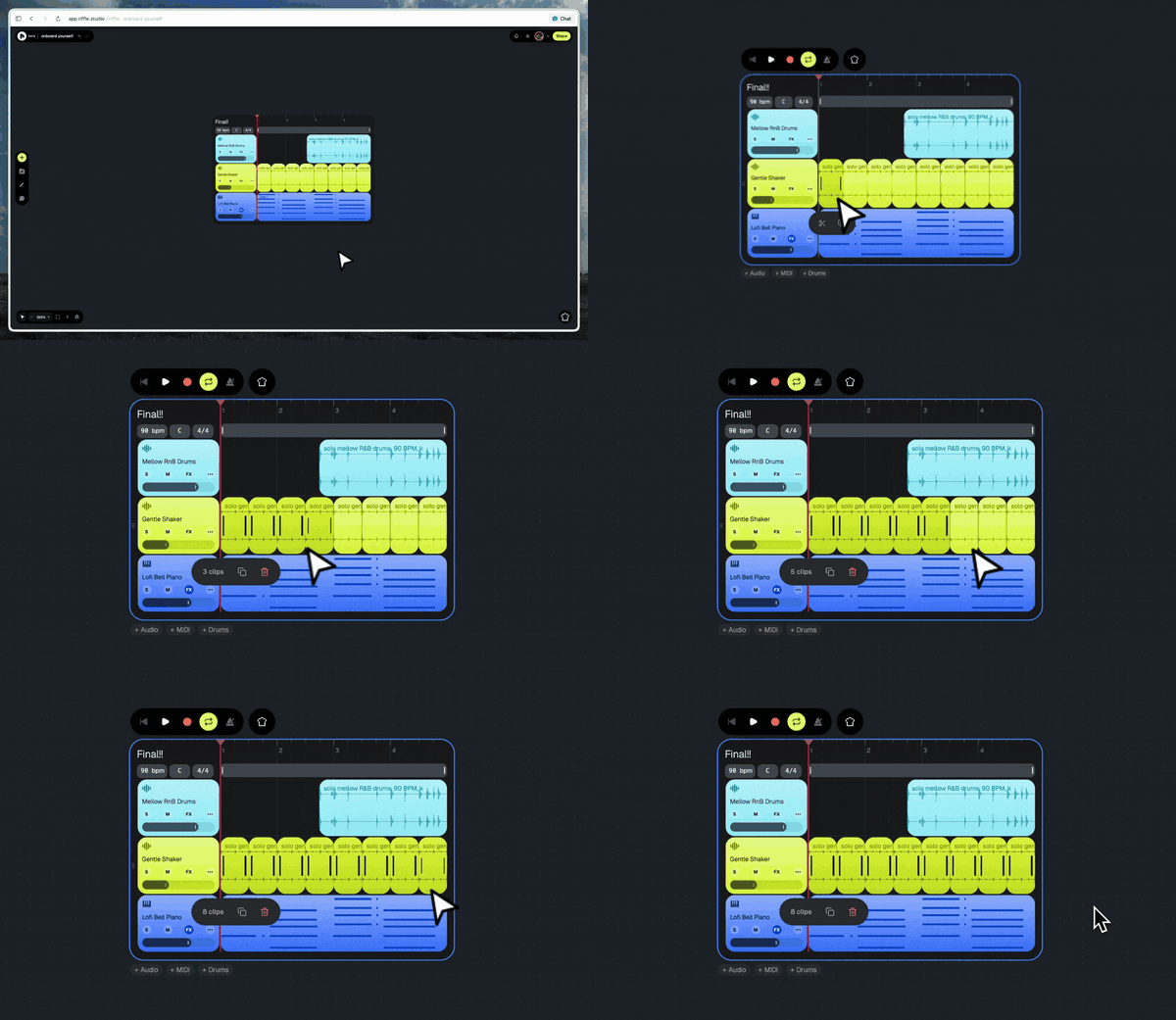
your trackpad can finally rest. use Cmd/Ctrl + click to select multiple clips, Shift + click for a range, and Cmd + A to grab everything in a stack. then move, duplicate, or delete the whole group at once.
record takes, automatically
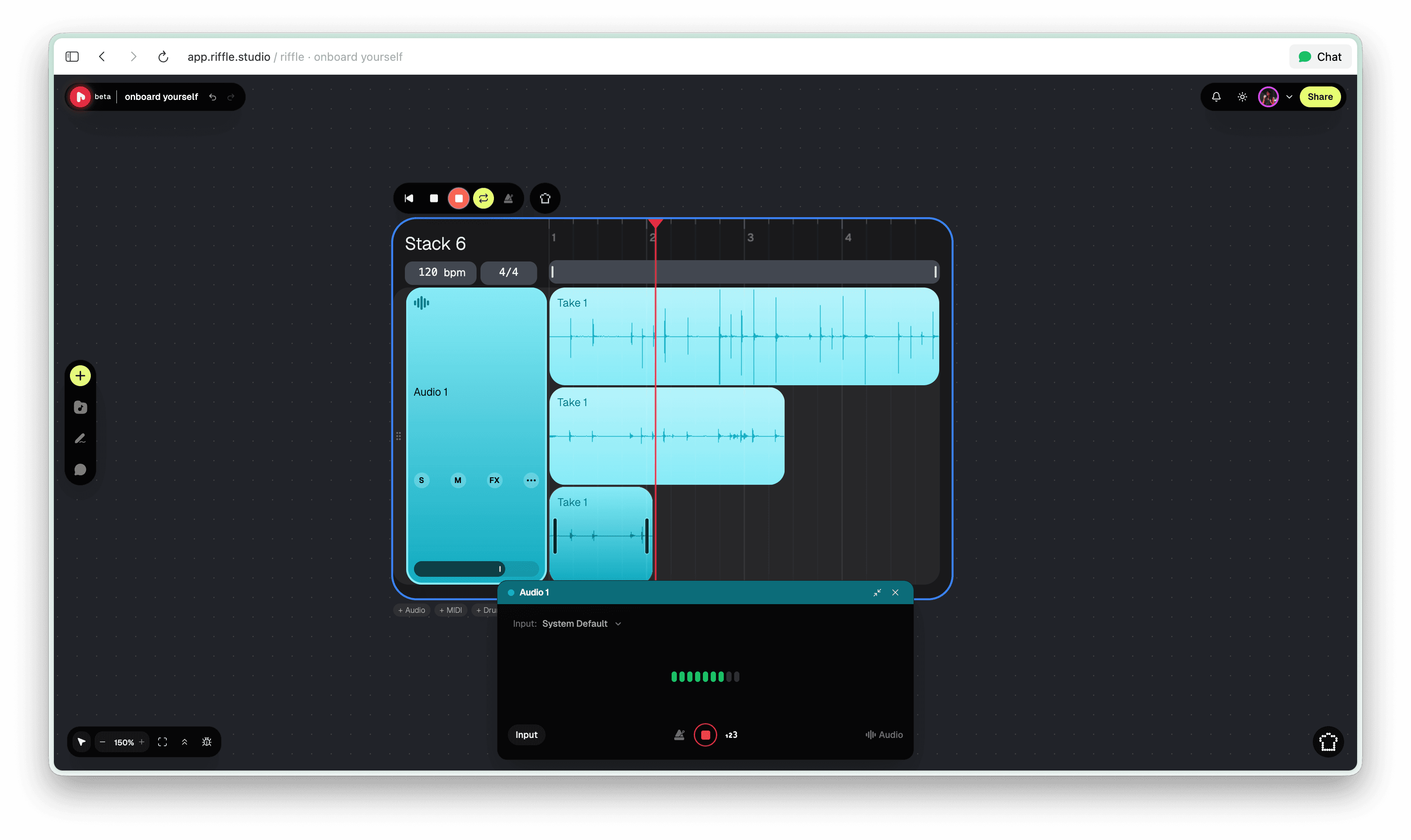
every time you record over the same looped section, it gets saved as a new take in its own lane. takes are stacked and additive, so your previous attempts stay ready whenever you want to compare, comp, or change your mind.
more cover options for your board
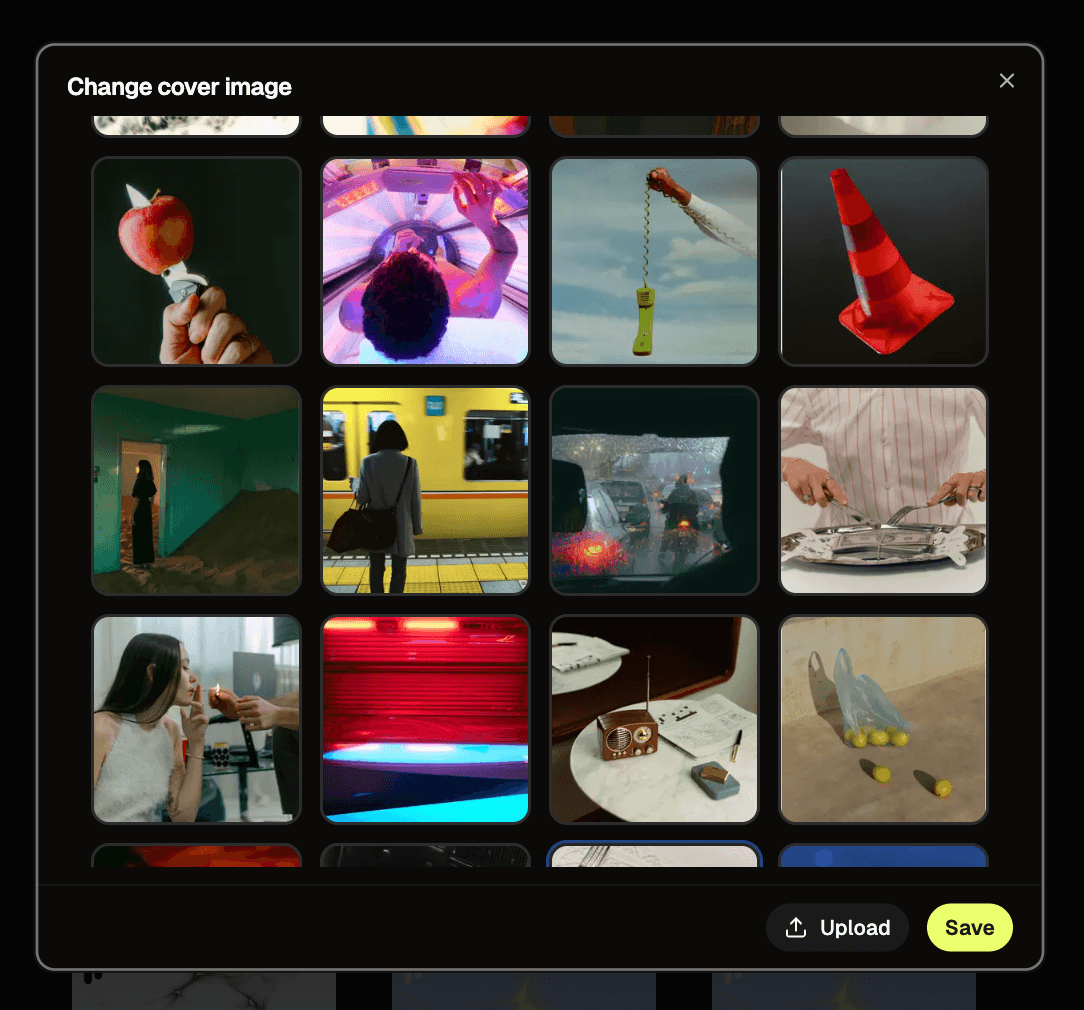
new boards now come with curated cover art by default. we also upgraded the cover picker with a preview gallery, so it's easier to browse and switch between your options.
fixes
- we'll automatically try to recover any stack that gets broken. our bad
- if a collaborator's upload was interrupted, your board heals the instant they re-upload (thanks jupiter mwshahari)
- stem splitting now works for all editors on shared boards (thanks akash donald and milica stevanovic)
- sous chef will now analyze longer stacks
- fixed crash issues from audio effect toggling
- assets from old sessions now load instantly
- muted tracks are now visually dimmed so you can see at a glance what's playing
- the snip tool now cuts the clip you're hovering over, without having to select it first
- recording no longer fails when a previously-used device is unavailable (thanks mason mancione and shreyas urs)
coming soon
- merge clips
- one-click track duplication
- automix - intelligent one-click mixing for your entire stack
that's enough yapping from us. go put this stuff to work.
— the crew at riffle